Mac · iPhone · iPadAvailable now
CloudTeams on Mac, iPhone and iPad
Install CloudTeams as an app today, straight from Safari. It opens in its own window, with its own icon and push alerts. Native apps are on the way.
Add CloudTeams to your Dock from Safari. A native DMG is coming soon.
Install on MacNative app: coming soonAdd CloudTeams to your Home Screen from Safari. A native app is coming soon.
Install on iPhoneNative app: coming soonAdd CloudTeams to your Home Screen from Safari. A native app is coming soon.
Install on iPadNative app: coming soonWant the native apps when they are ready? Get notified.

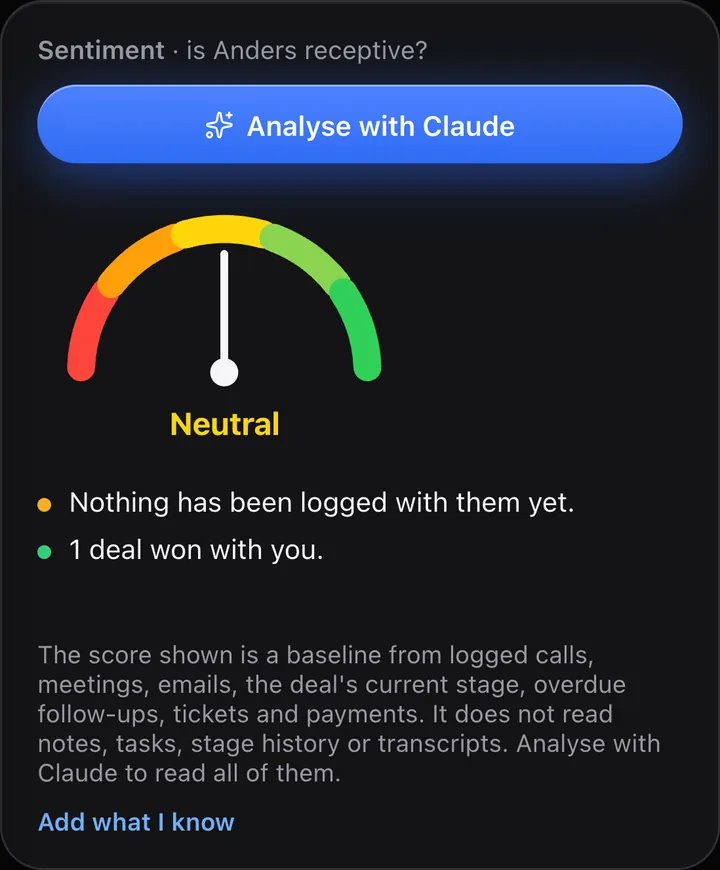

The apps shown are CloudTeams installed from Safari, in device frames. Screenshots show fictional sample data.
Install today
Add it from Safari. It takes a minute.
Sign in at app.cloudteams.io in Safari, then add it to your Dock or Home Screen. It opens like any other app.
- Open app.cloudteams.io in Safari and sign in.
- Choose File, then Add to Dock.
- Open CloudTeams from your Dock.
- Open app.cloudteams.io in Safari and sign in.
- Tap Share, then Add to Home Screen.
- Open CloudTeams from your Home Screen.
- Open app.cloudteams.io in Safari and sign in.
- Tap Share, then Add to Home Screen.
- Open CloudTeams from your Home Screen.
- Its own window and icon. It opens like any other app.
- Push alerts. Messages notifications on your desktop and phone.
- Always current. It is the same workspace as the web, so there is nothing to update by hand.
Coming soon
Native apps, on the way.
A native Mac app, downloaded as a DMG, plus native iPhone and iPad apps. None is available yet. Details may change before release.
Keep exploring
Everything the apps connect to.
Be first to get the native apps.
Leave your email and we will tell you when the CloudTeams apps for Mac, iPhone and iPad are ready.
One email when an app launches. No spam.